Ask the way you talk.
Model number, symptom, readings. MyLeadTech asks for the full model number from the nameplate when the answer depends on it, then searches the service, installation and product data manuals for that unit.
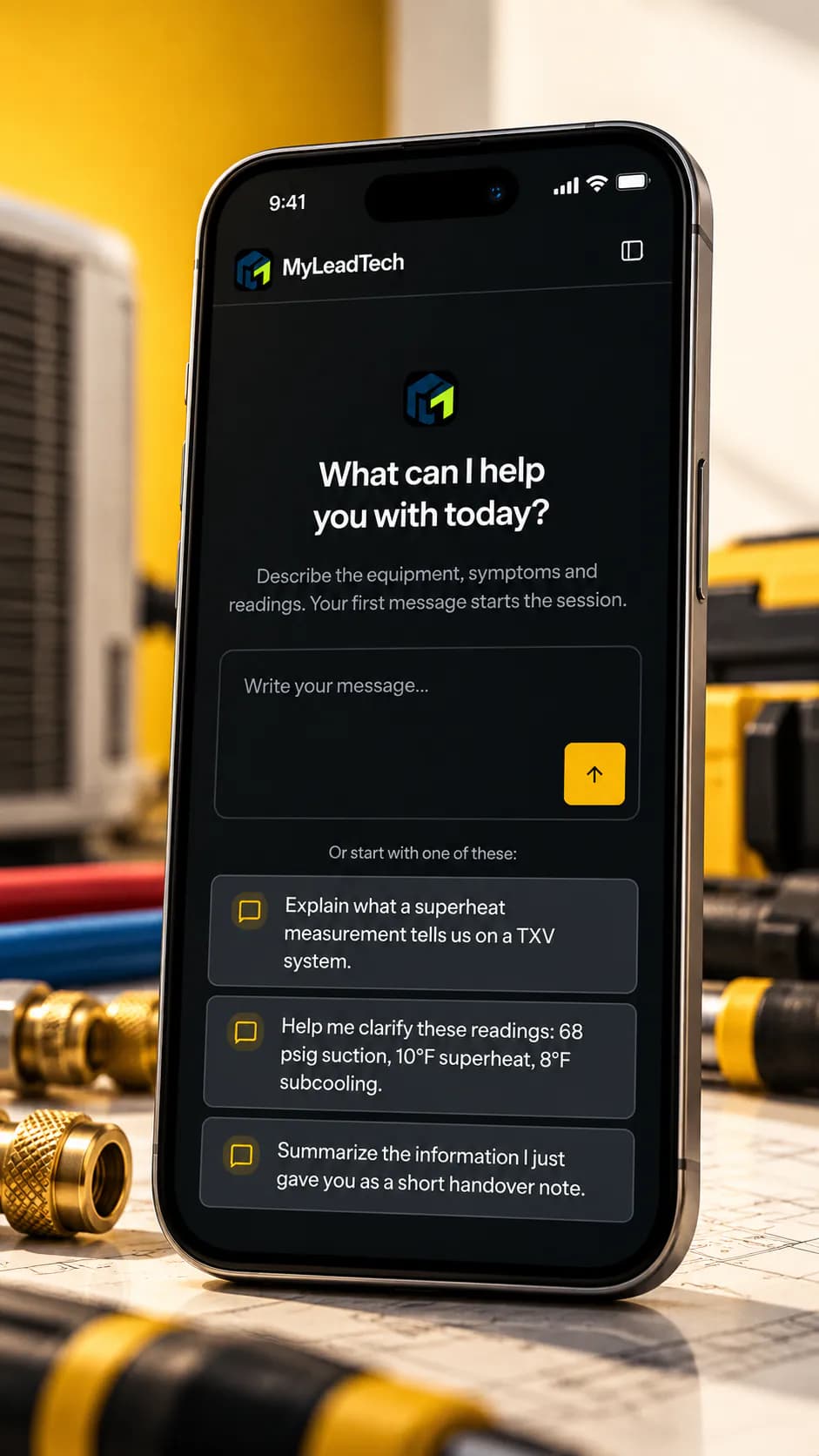
One place to ask, check and keep every answer — on your phone at the unit, on your laptop at the desk. Start from the model number on the nameplate; get the troubleshooting steps, fault codes and wiring diagrams the manufacturer published.
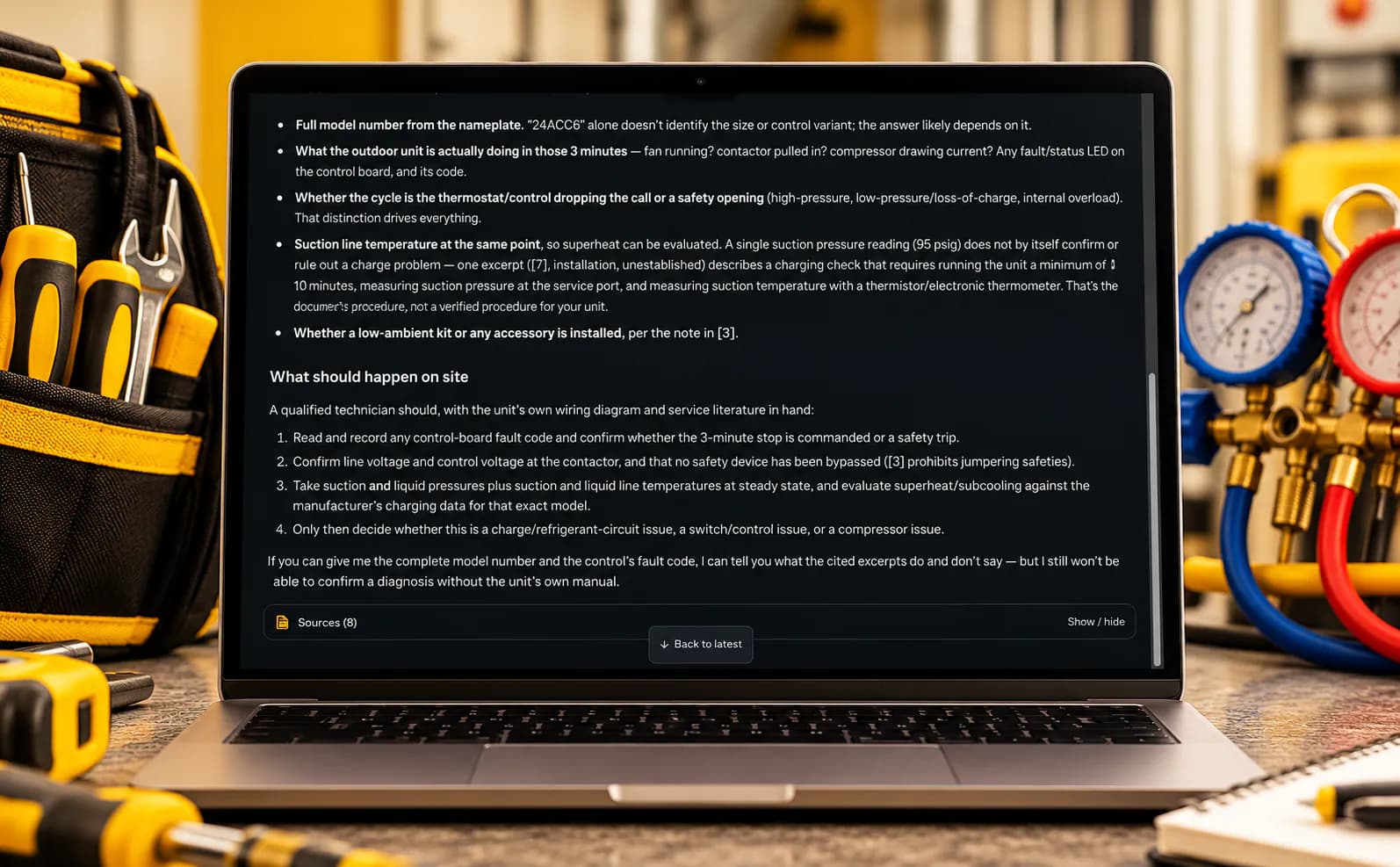
Model number, symptom, readings. MyLeadTech asks for the full model number from the nameplate when the answer depends on it, then searches the service, installation and product data manuals for that unit.
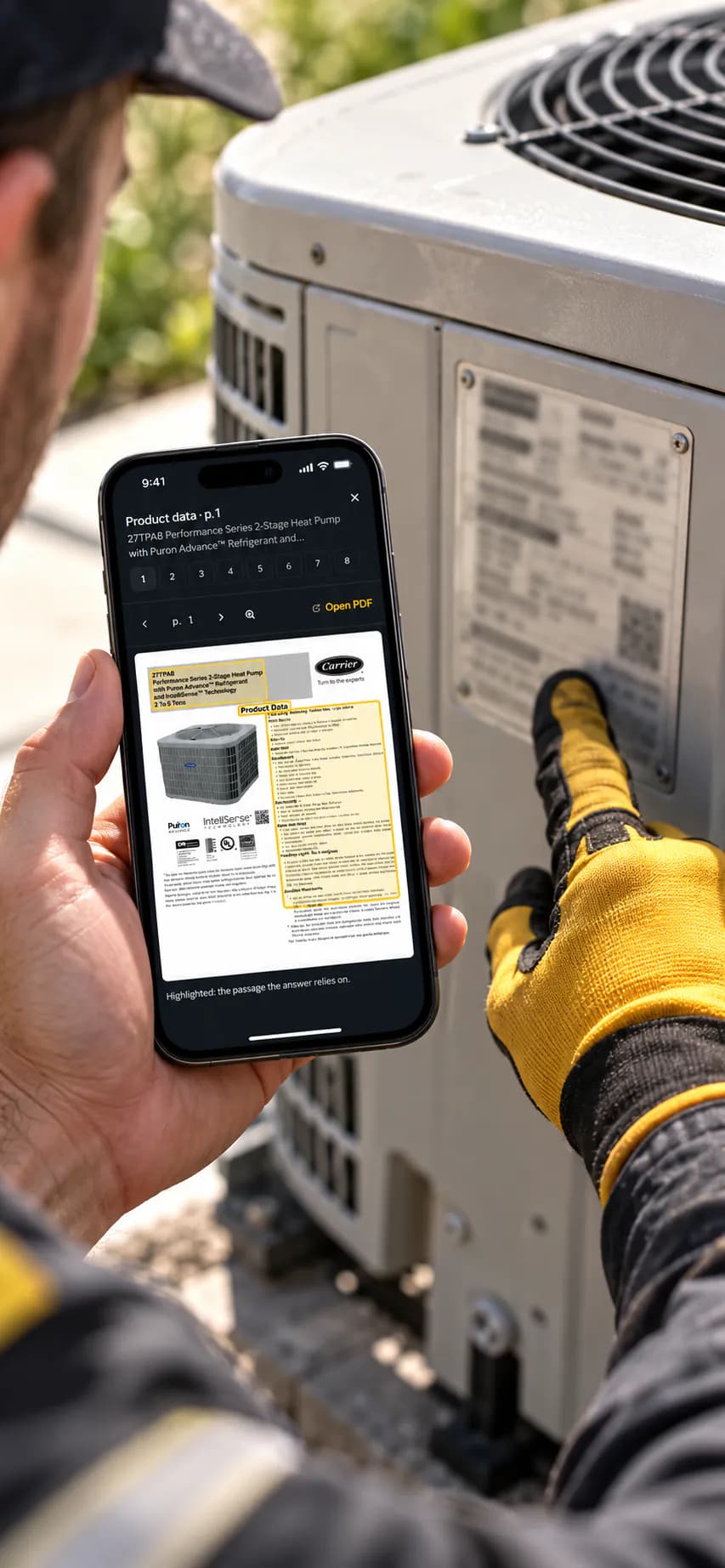
Numbered sources under each answer. Tap one: the manual opens on that page with the passage framed — a fault-code table, a wiring diagram or a charging chart, as the manufacturer printed it.
How MyLeadTech answers an HVAC troubleshooting question
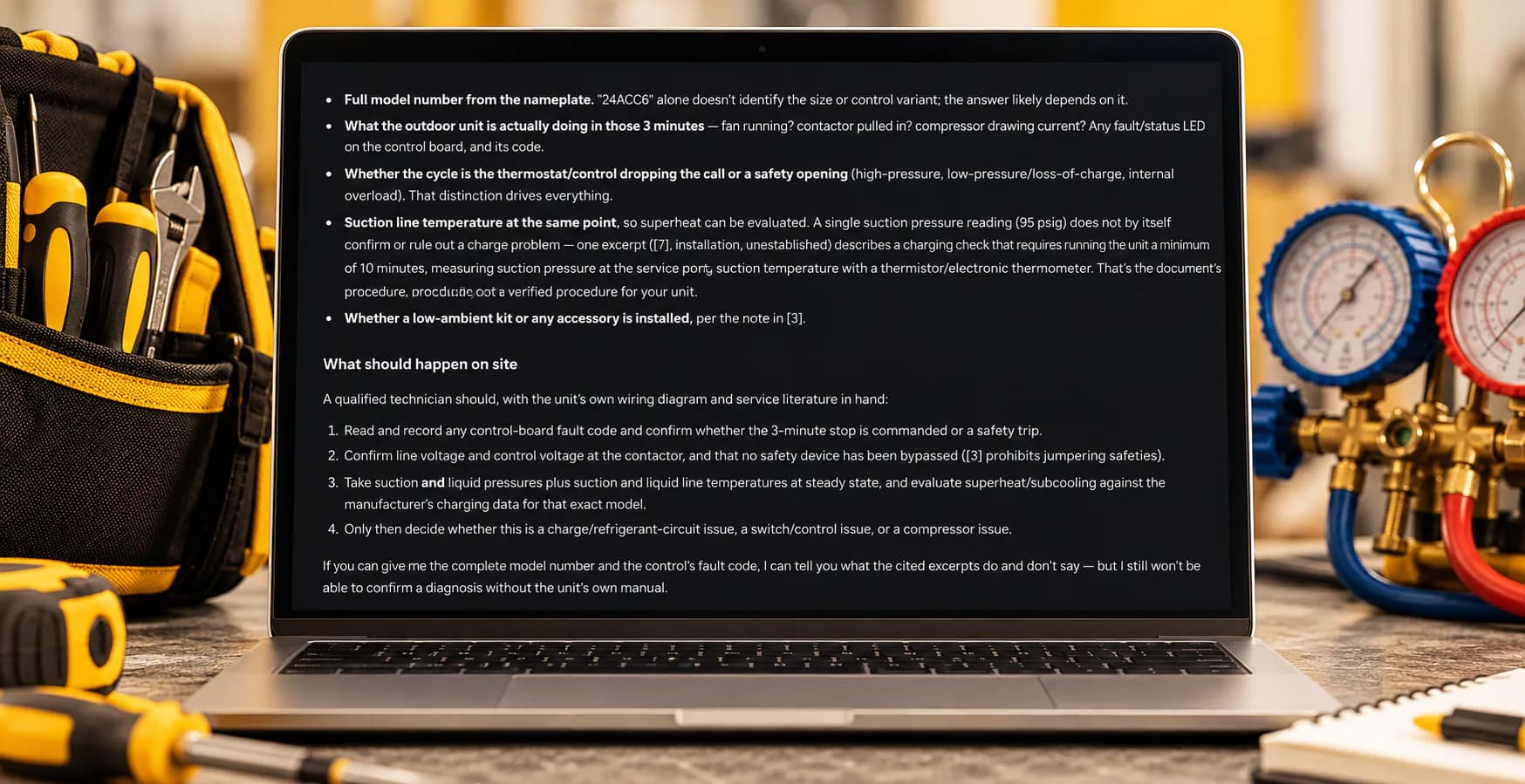
A tech asked why a Carrier 24ACC6 condenser shuts off after three minutes with 95 psig on the suction side. MyLeadTech didn't guess. It asked for what was missing — the full model number, what the unit does in those three minutes, the suction line temperature — then laid out the checks the documents support.
Take suction and liquid pressures plus suction and liquid line temperatures at steady state, and evaluate superheat/subcooling against the manufacturer's charging data for that exact model.”
Common questions about MyLeadTech for HVAC troubleshooting
No. A general chatbot answers from what it picked up on the internet. MyLeadTech searches the manufacturers' own documents for your unit and shows you the page each answer comes from.
Every answer links to its sources, so you check the page before you act. When the documents don't cover your question, MyLeadTech says so instead of guessing.
No. It runs in any modern browser, on your phone or your computer.
Start free for 14 days, no card needed. Plans are shown inside the app before you pay anything.
14 days free. No card. Your first answer in under a minute.
No card
Start free — 14 days